
Onvio – Account System
Overview
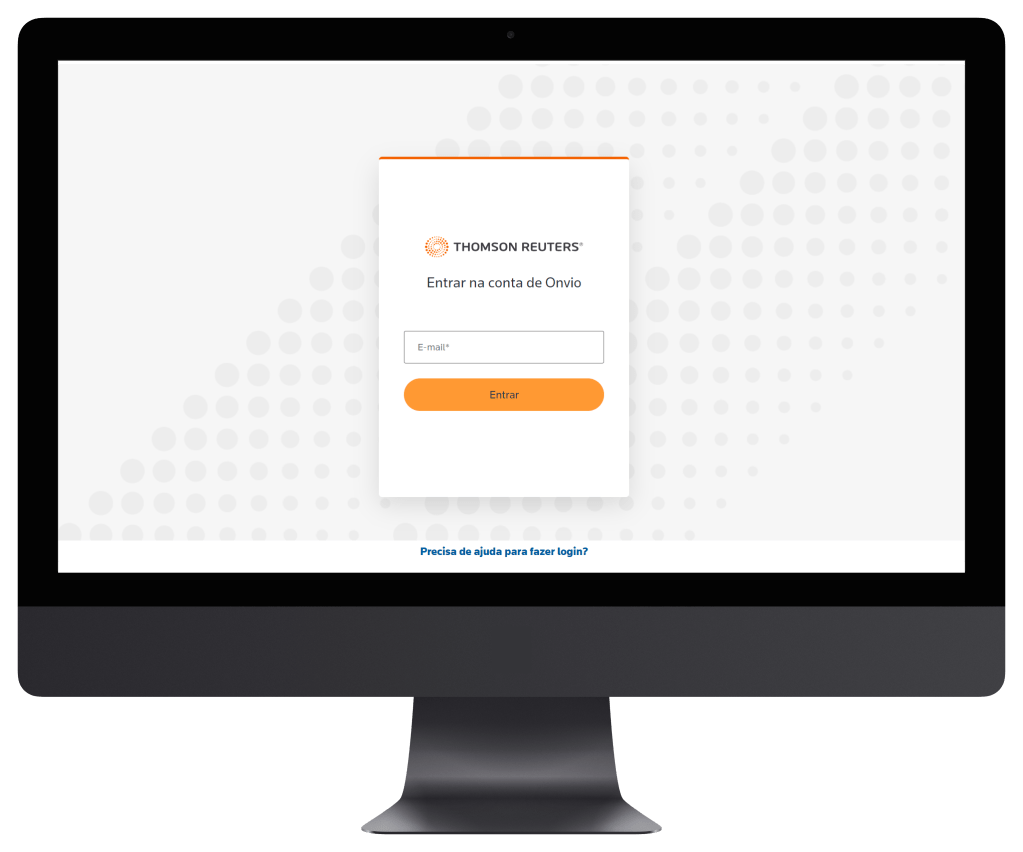
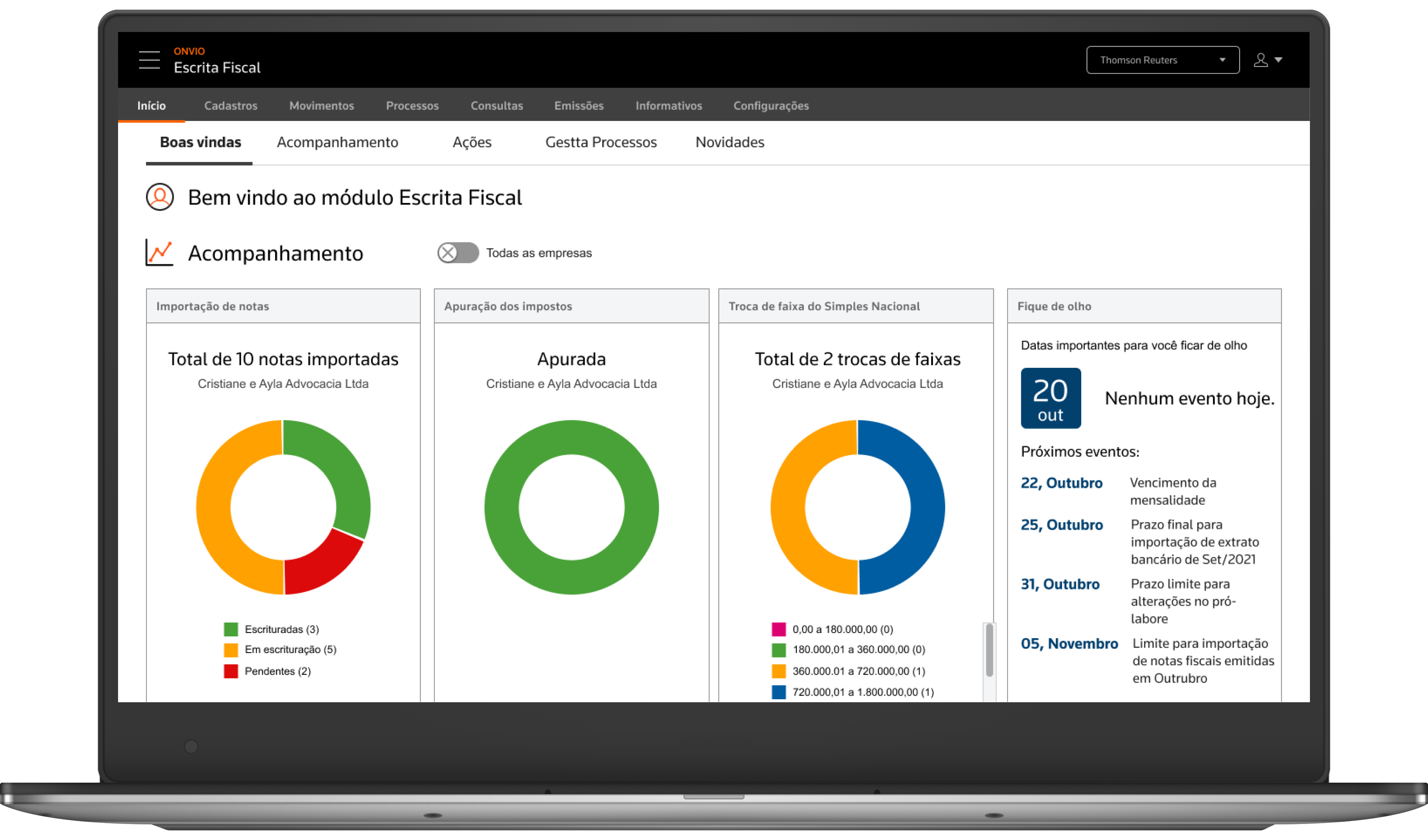
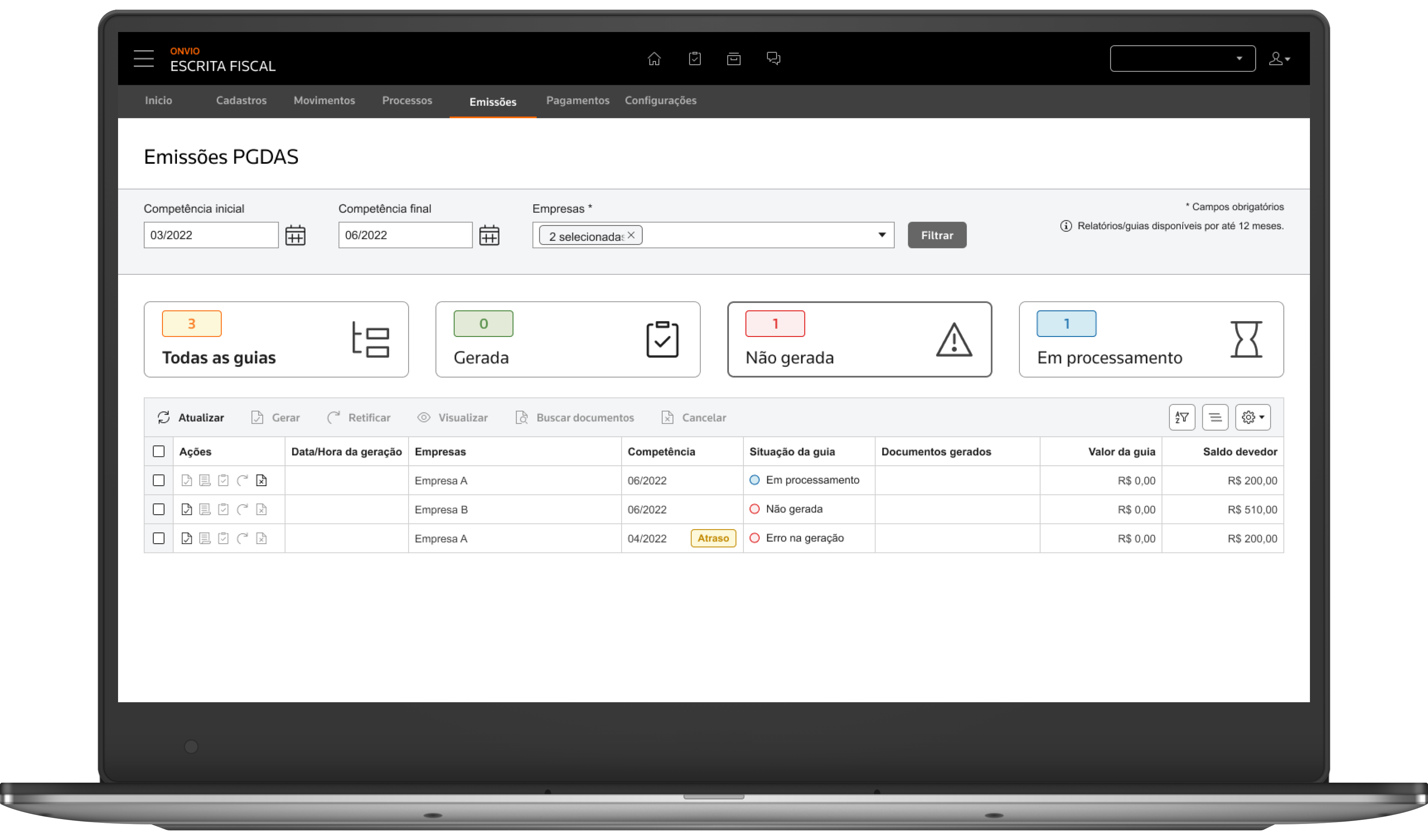
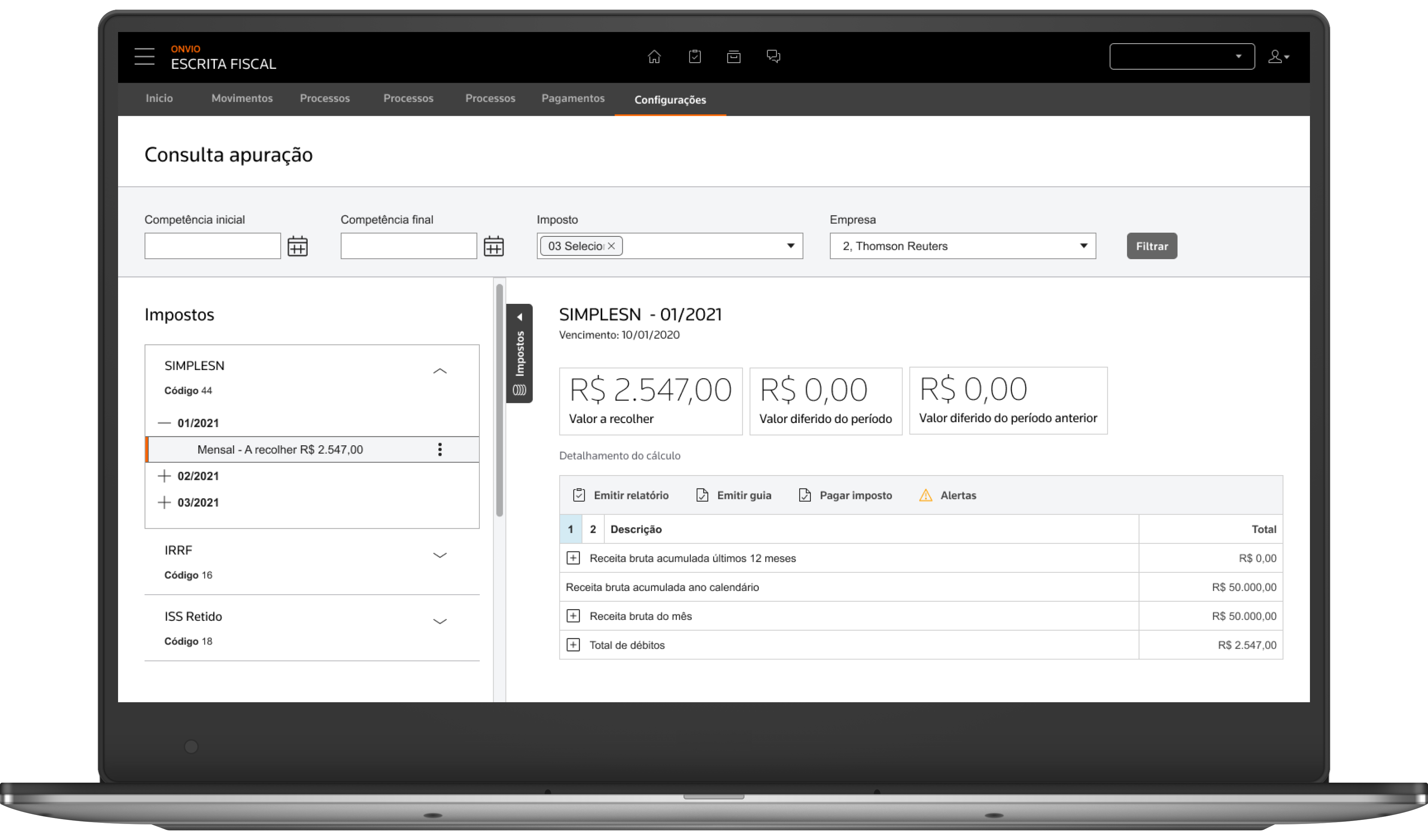
Onvio is an integrated cloud accounting system with organized modules for professionals to work more efficiently in their routines with complete security in accounting-tax information.
My Work
My role as a UX designer is to create a product with the best experience, always placing the user at the center of the process. Working directly with BAs, POs and developers. My daily tasks are doing some research, interviews with accountants, creating scenarios and user journeys, prototyping interfaces, usability tests, etc.

Design Procresso
The design process follows the Triple Diamond framework, which expands upon the traditional Double Diamond by including a third phase focused on delivery, iteration, and scale.
Not every project or feature flows through every phase in full — some demands are more tactical and go directly into solution mode. However, the goal is always to ensure the best possible user experience, while aligning with business strategy and thinking long-term about the product’s evolution.
Below is a brief overview of the process:
Deliver – Collaborate with engineering to implement, monitor, and continuously improve the experience.
Discover – Understand user needs, business goals, and technical context through research and collaboration.
Define – Synthesize insights, map opportunities, and prioritize problems worth solving.
Design – Explore and test solutions through ideation, prototyping, and user validation.
Some images have a blur to maintain the confidentiality of the information.
1. Discover
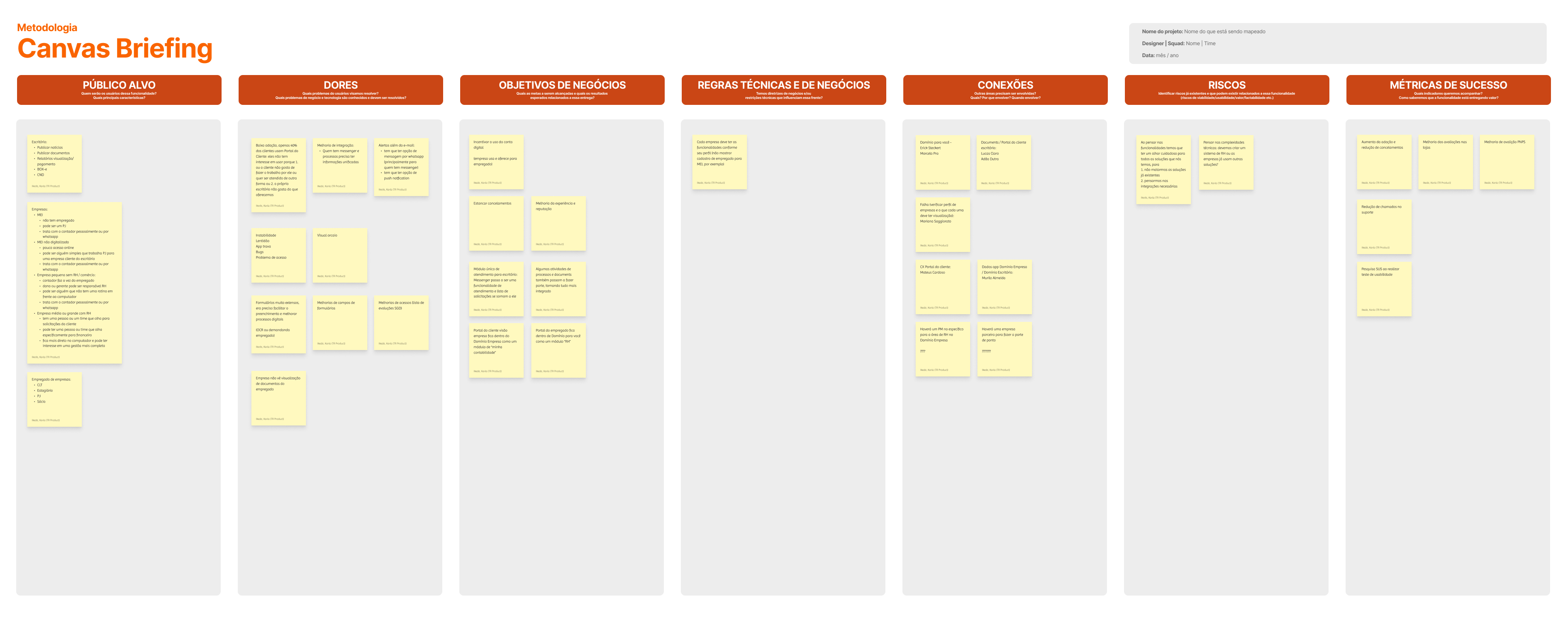
We began by gathering insights from internal stakeholders, support teams, and legacy documentation. This helped surface the core pain points users experienced—especially those related to login failures, lack of fallback options, and confusing messaging. Technical constraints, such as system limitations on device switching or timeouts, were also identified early to ensure feasible solutions.
Deliverables:
- Stakeholder interview notes
- Legacy system heuristic evaluation
- Technical limitations matrix
- Initial UX problem list
2. Research
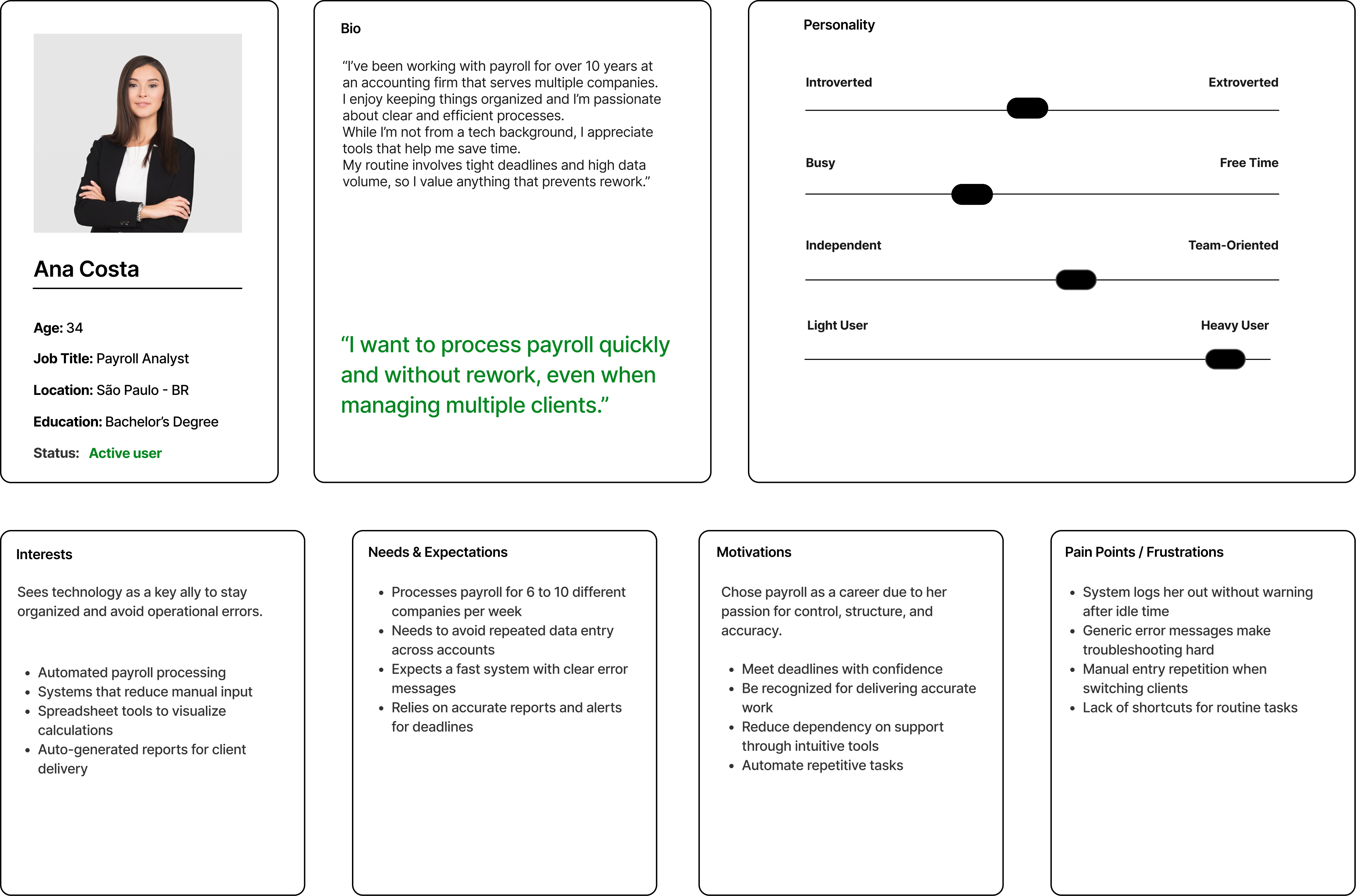
To ground the project in user reality, I created personas based on real usage patterns: staff, firm administrators, and end clients. We conducted user interviews with both staff and clients to better understand their mental models, frustrations, and expectations during login and recovery flows. We also analyzed support tickets to uncover recurring issues with MFA, linked accounts, and recovery steps. User journey maps helped visualize both the emotional and functional experience across these touchpoints.
Deliverables:
- Interview summaries (staff & clients)
- Empathy maps & personas
- User journey maps
- Support ticket analysis report
3. Ideation & Mapping
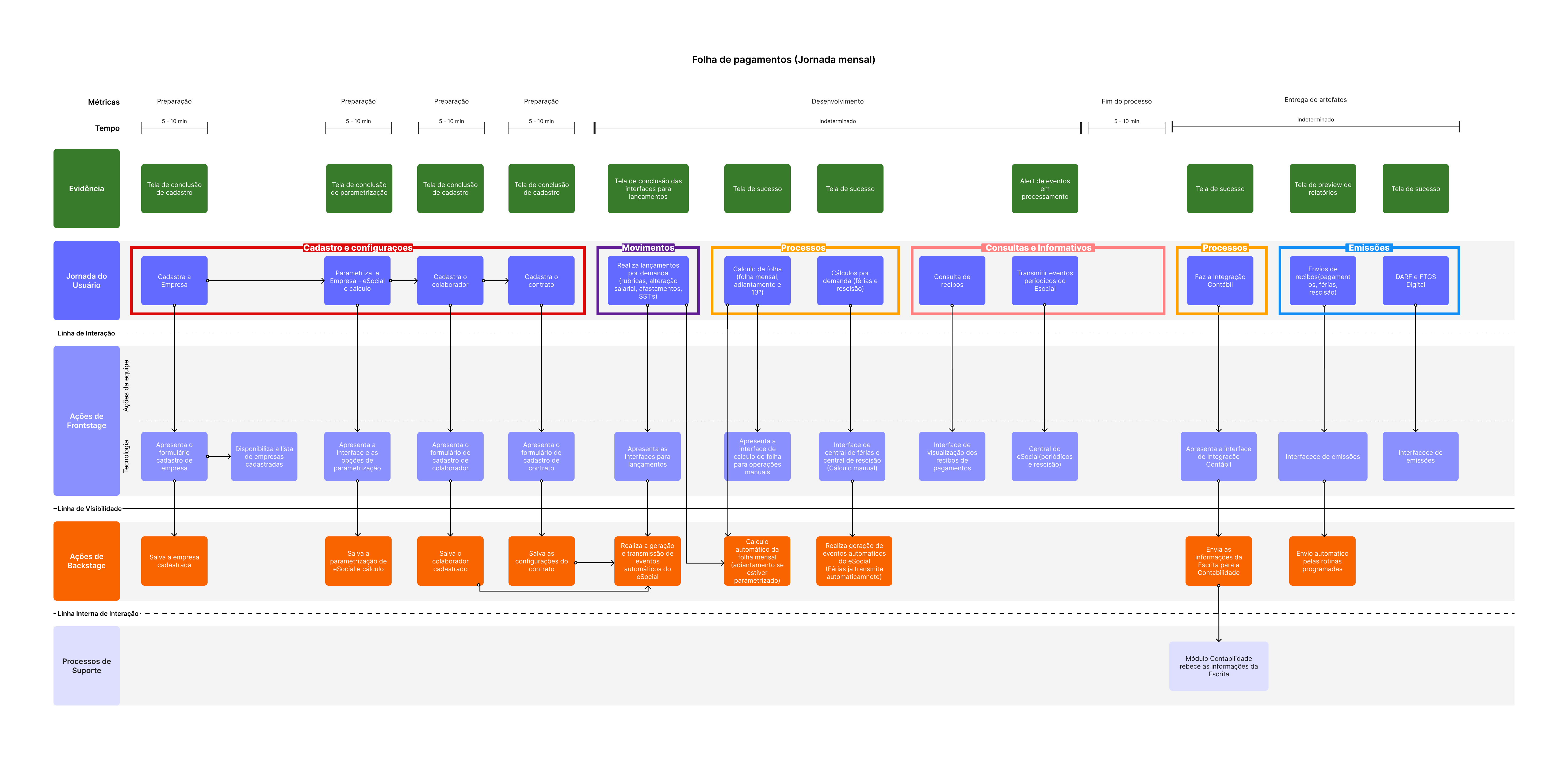
Using insights from the research phase, I mapped out detailed user flows, including both standard and edge cases. These diagrams helped the team align on logic for account switching, recovery using temporary codes, and timeout scenarios. This step ensured all paths and exceptions were accounted for before moving into interface design.
Deliverables:
- Flowcharts of core and edge case scenarios
- Login and MFA recovery logic diagram
- Use case decision trees
- Linked accounts behavior mapping
4. Design
I created wireframes and prototypes to visualize the new interaction patterns. Particular attention was given to microcopy, error messages, and user guidance during stressful steps like failed MFA or expired access. Accessibility and clarity were key priorities during this stage.
Deliverables:
- Mid-fidelity wireframes
- Interactive prototypes (login, MFA, account switch)
- UX writing samples (microcopy, error states)
- Accessibility audit checklist

5. Validation
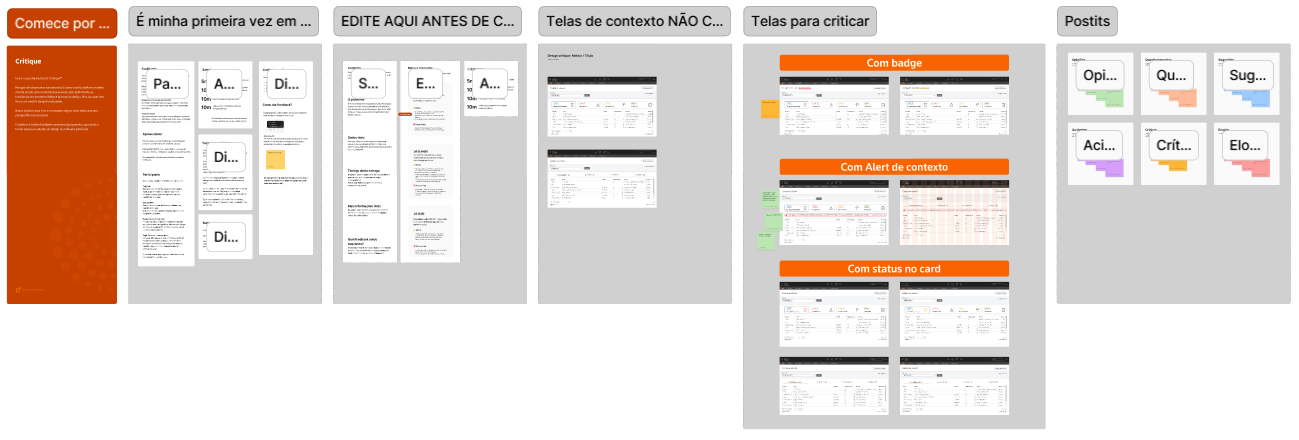
We ran informal usability reviews and internal testing sessions with staff and admin users. These helped validate the clarity of the new flows and identify remaining usability issues, particularly around recovery steps. We also tested variations of UI messages to improve user confidence in edge case scenarios.
Deliverables:
- Design critique
- Usability test scripts and insights
- UI message A/B testing results
- Iteration logs with design adjustments
- Feedback summary from internal users
6. Delivery
Once flows and designs were approved, I prepared annotated diagrams, error state documentation, and messaging templates for the engineering team. I also included flowcharts covering fallback logic and decision points, helping developers understand both happy paths and critical failure states.
Deliverables:
- Annotated design files for dev handoff
- Fallback and error state flowcharts
- UX writing documentation (messages, alerts)
- Final spec package for implementation
If you want more information about the Product, visit the official website by clicking here.
 engineering-experiences